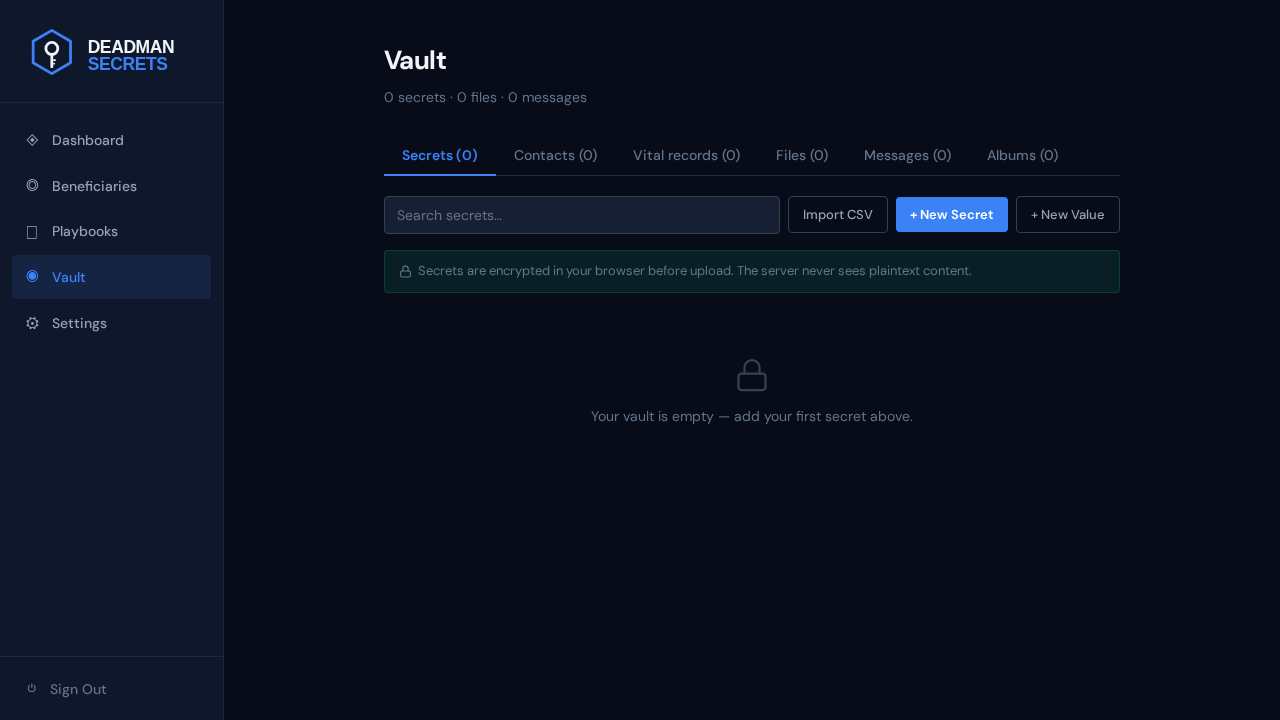
Open the Vault from the left-hand navigation. This is the list of every secret you have stored. A brand-new vault is empty — the only thing to do is add something.
An inline form opens. Give the secret a recognisable name — this is the only field stored in the clear, so name it for what it is, not with the secret itself.
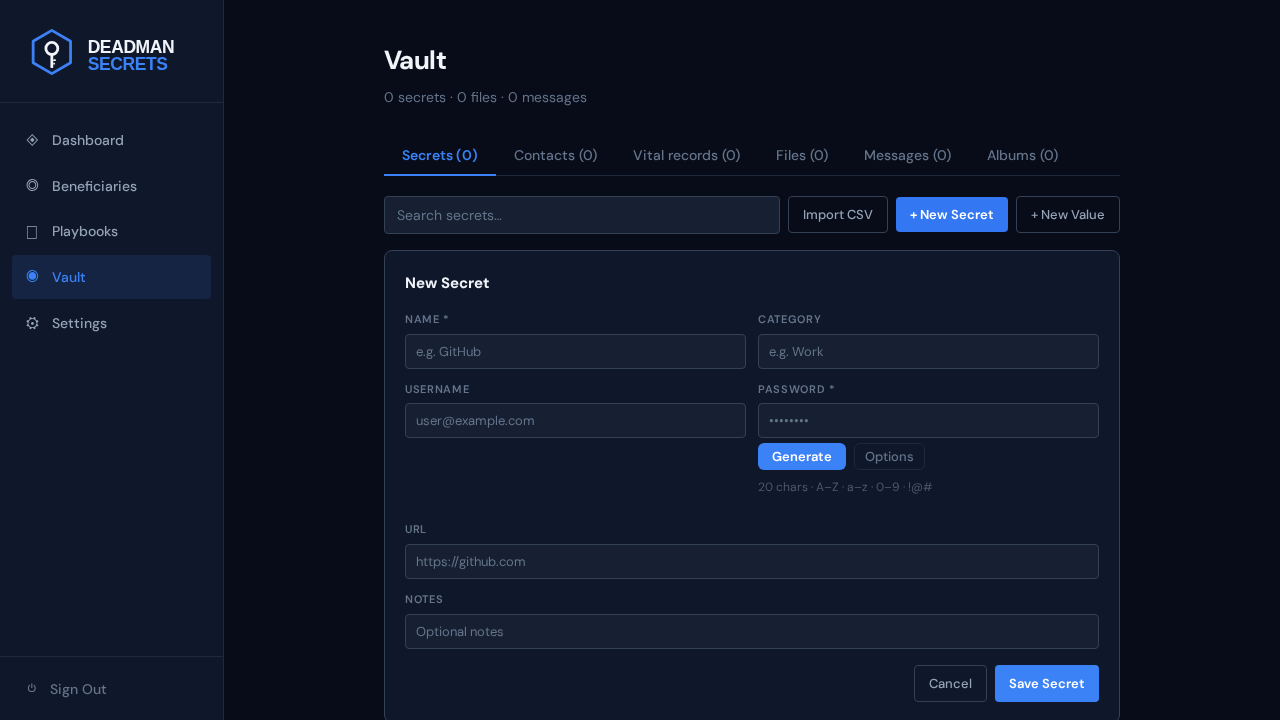
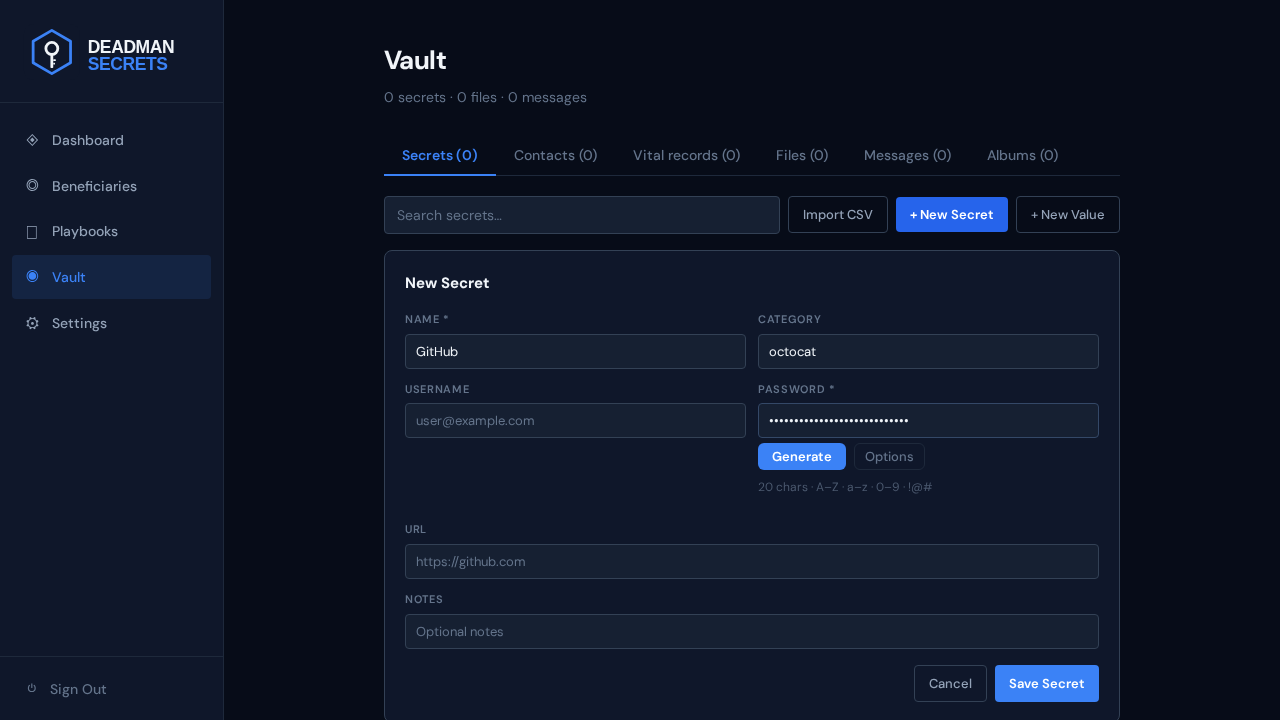
Fill in the username and the secret value. The value is encrypted the instant you save — it is never transmitted or stored in readable form. Add an optional URL or notes if they will help your beneficiary use it.
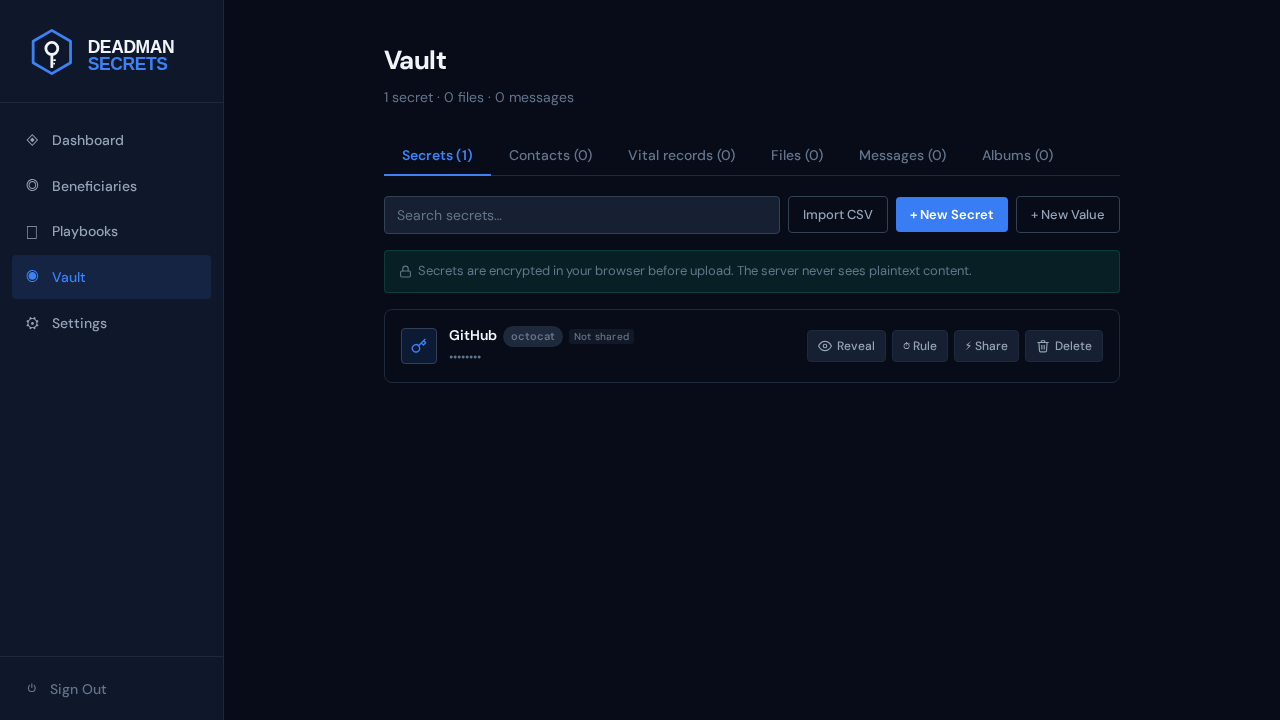
That is it. The secret now appears in your vault, encrypted and ready to assign to a beneficiary through a playbook. Repeat for every credential you want delivered when your switch fires.
Ready to set up your own?
Everything in this guide takes a few minutes in Deadman Secrets. Your secrets are encrypted on your device and delivered only when your switch fires.
Start for Free