Opening the template pre-fills a title, a suggested urgency, the ordered steps below, and a row of suggestion chips for the items this playbook usually needs. Nothing is sent anywhere until you save — and every item you attach is encrypted on your device first.
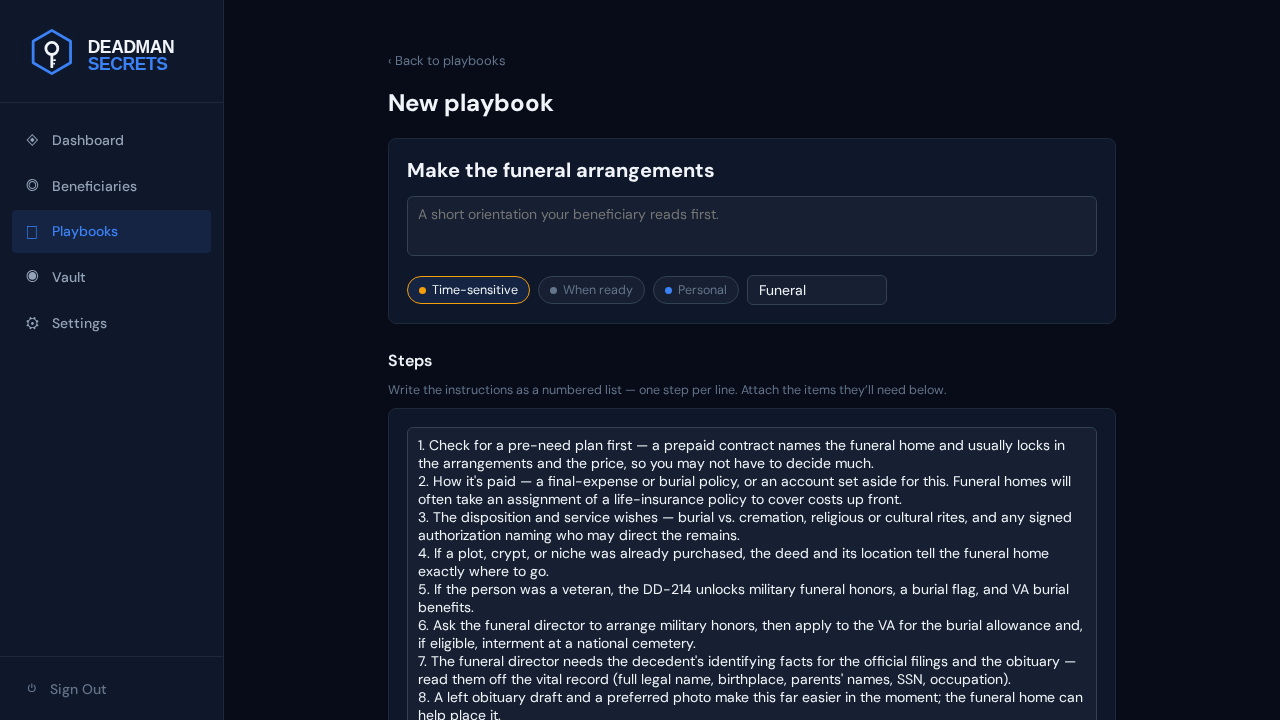
Why these steps, in this order: a pre-need plan comes first because a prepaid contract can settle nearly every decision, so your family should look for it before anything else. Then how it's paid, so no one fronts costs out of pocket. Your disposition and service wishes come next — burial or cremation, and any rites — followed by a purchased plot if there is one. The veteran step unlocks military honors and VA burial benefits from the DD-214. The funeral director then needs the identifying facts for the official filings and obituary, which is why the vital record and any obituary draft follow. The death certificate comes last because the funeral home orders it once the arrangements are set. Each step names the exact item your family needs at that moment.
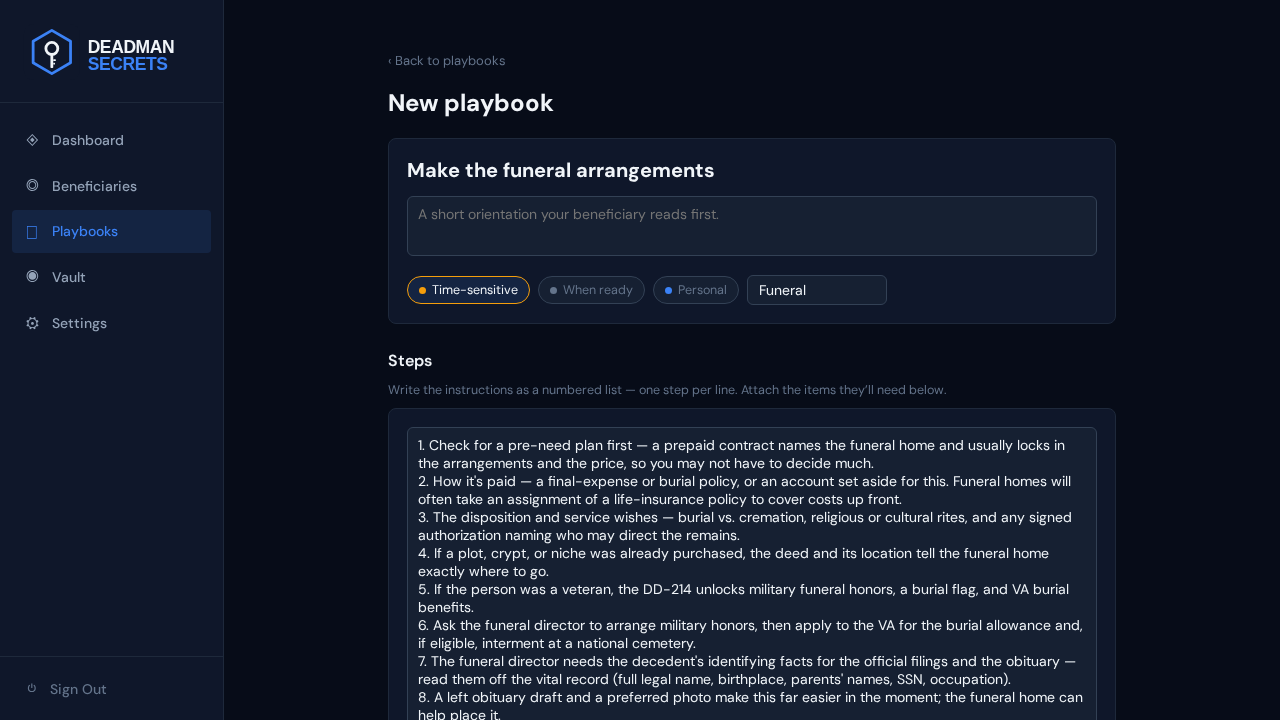
The instructions are just a numbered list you can edit. To add a step, click into the list and type a new numbered line; delete or reword any line the same way. Here we add one more reminder.
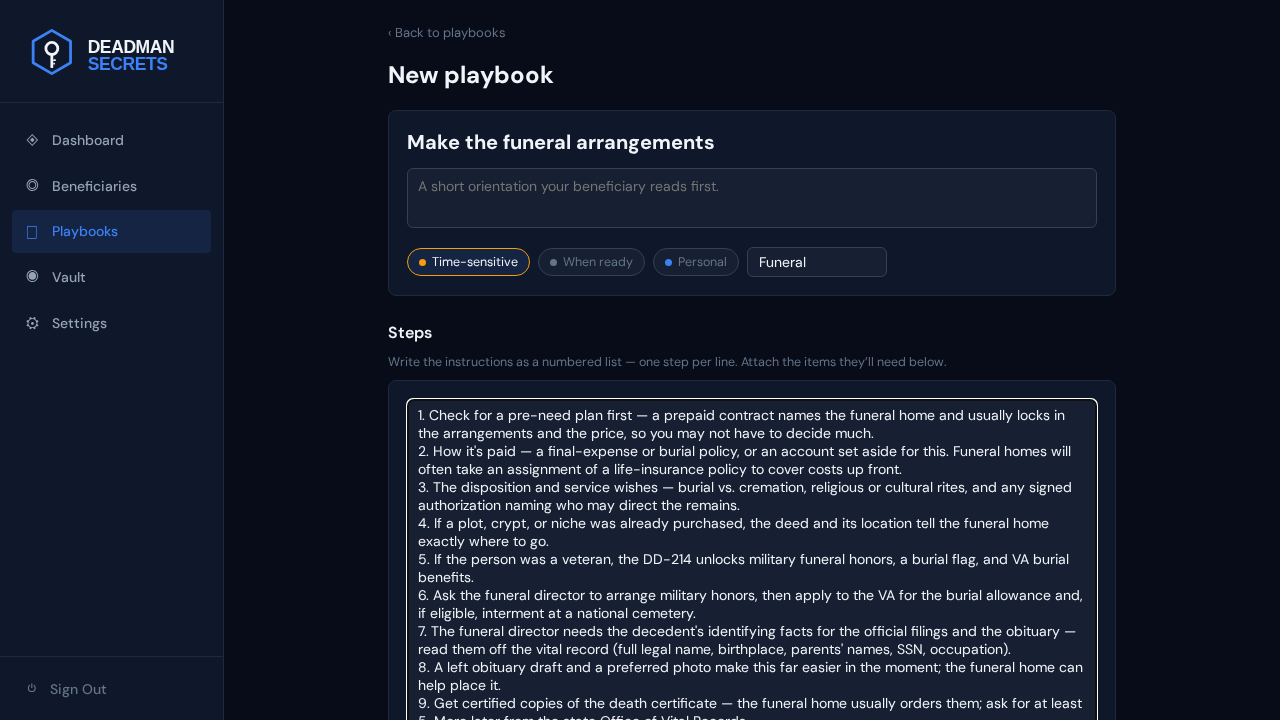
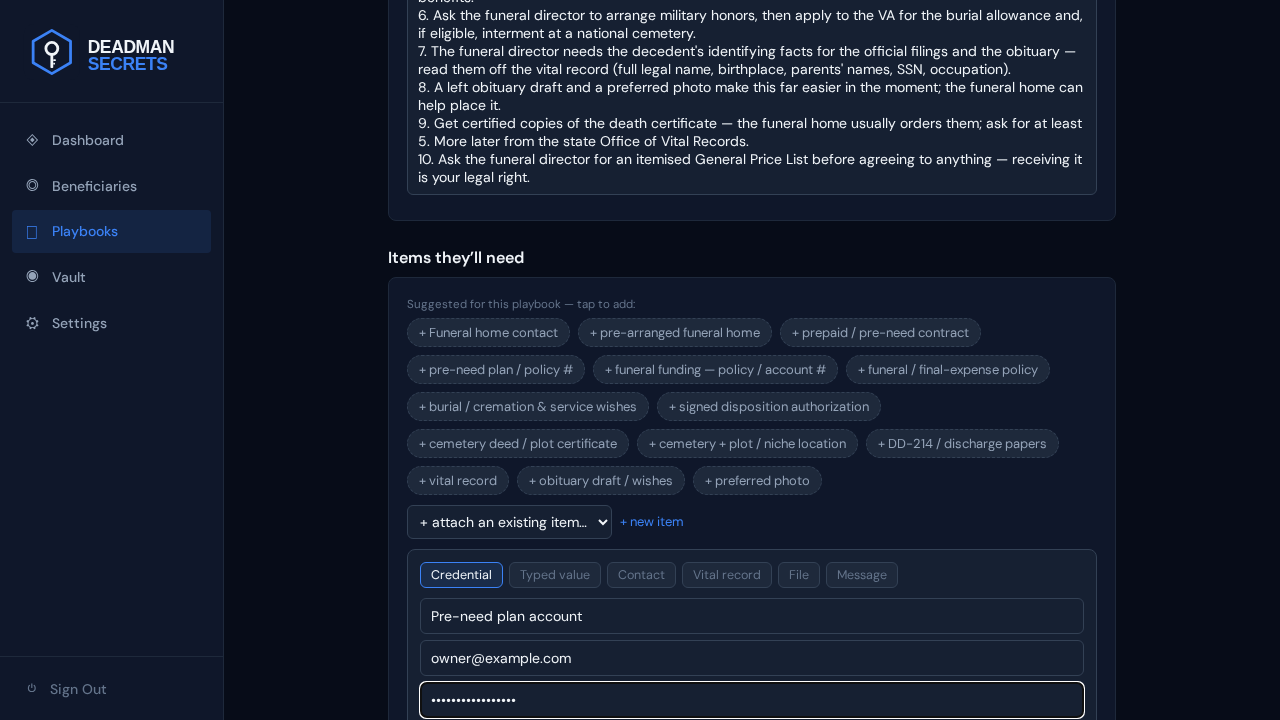
Add a credential — a login your family will need, such as the funeral home's pre-need portal or a final-expense insurer's site. Click "+ new item", choose Credential, and fill the name, username, and password. It's encrypted on your device and attached to the playbook in one step.
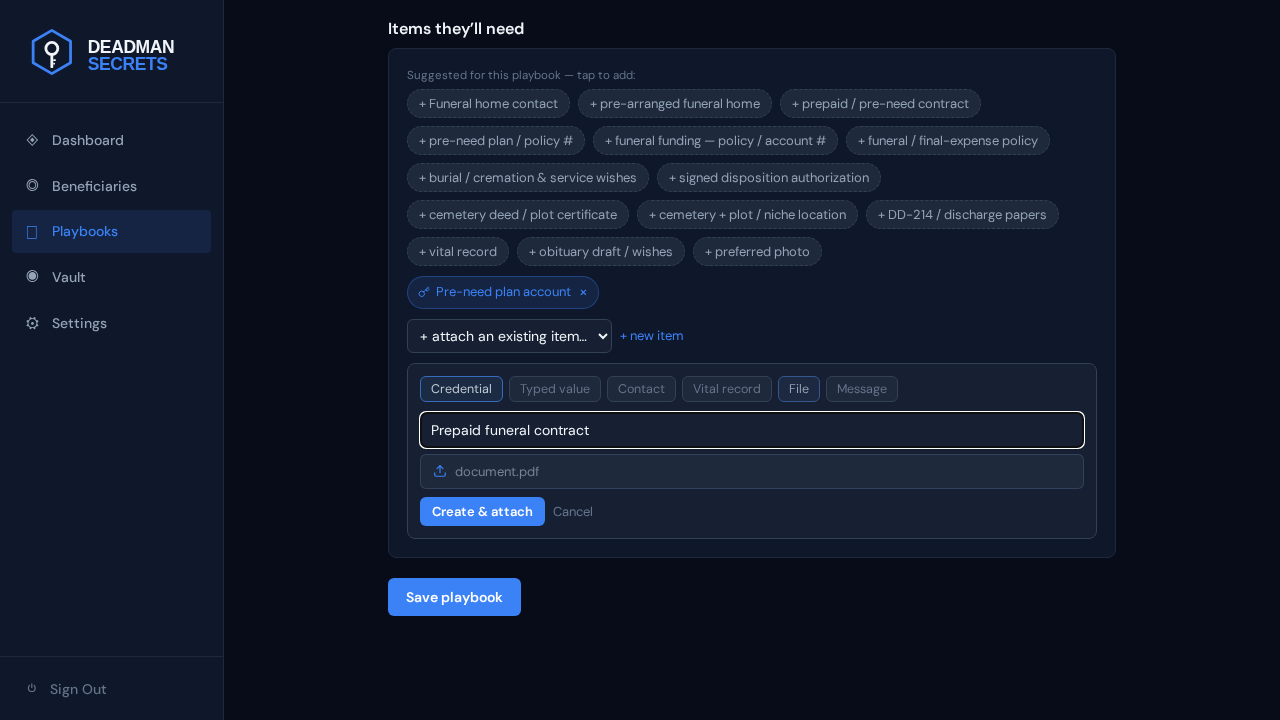
Add a file — a prepaid contract, a cemetery deed, a DD-214, a signed disposition authorization. Choose File, give it a name, and pick the file from your device. Files are encrypted with their own key in your browser before upload; we never see the contents. Click "Create & attach" and it joins the playbook.
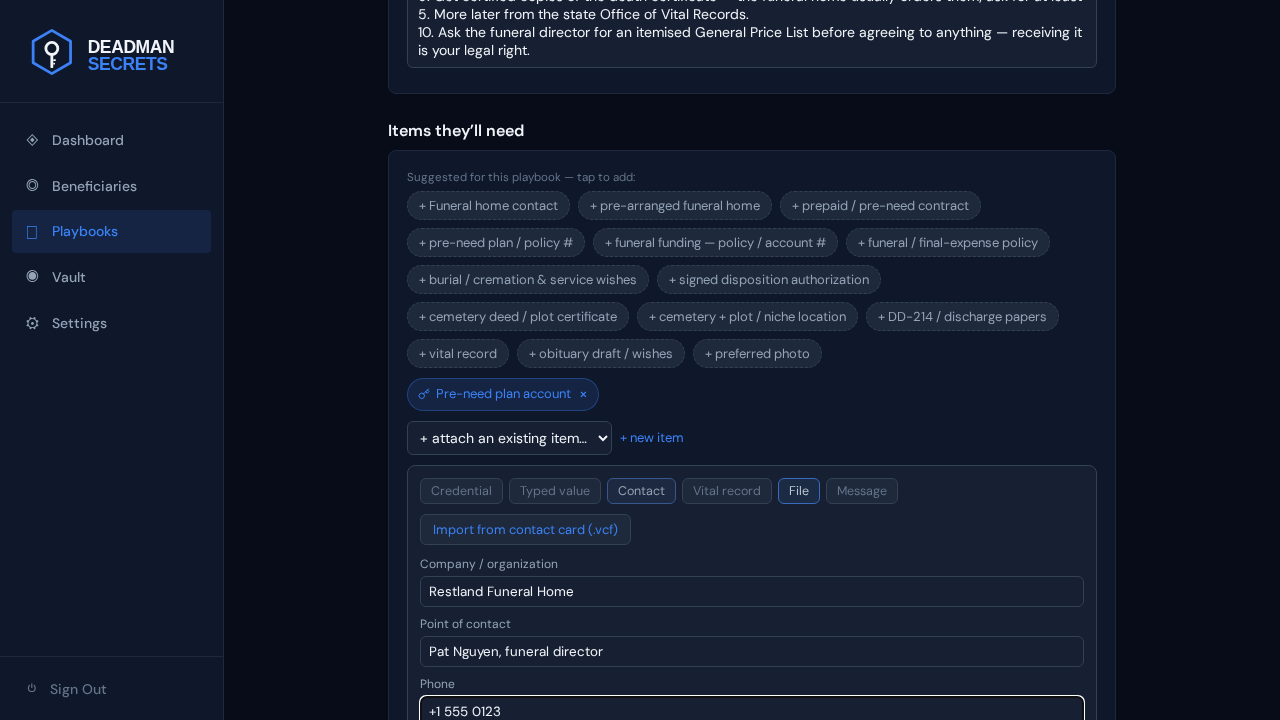
Add a contact — the person or organisation your family should reach. Choose Contact and fill the organisation, person, and phone (or import a .vcf). If you pre-arranged, this is the funeral home that already holds your plan — they get exactly who to call, not a guess.
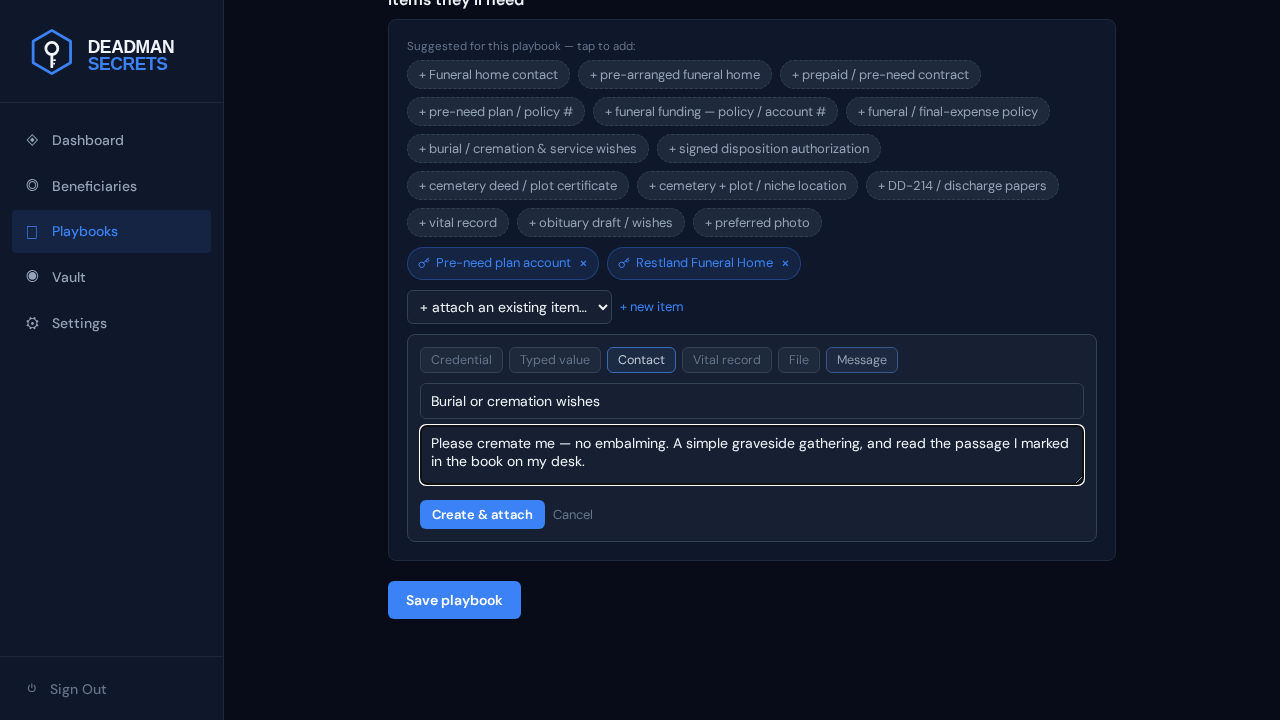
Add a message — a short note in your own words. Choose Message, give it a name, and write what you want them to read at this step: your disposition wishes, the tone of the service, anything you'd want said. It's delivered alongside the playbook when your switch fires.
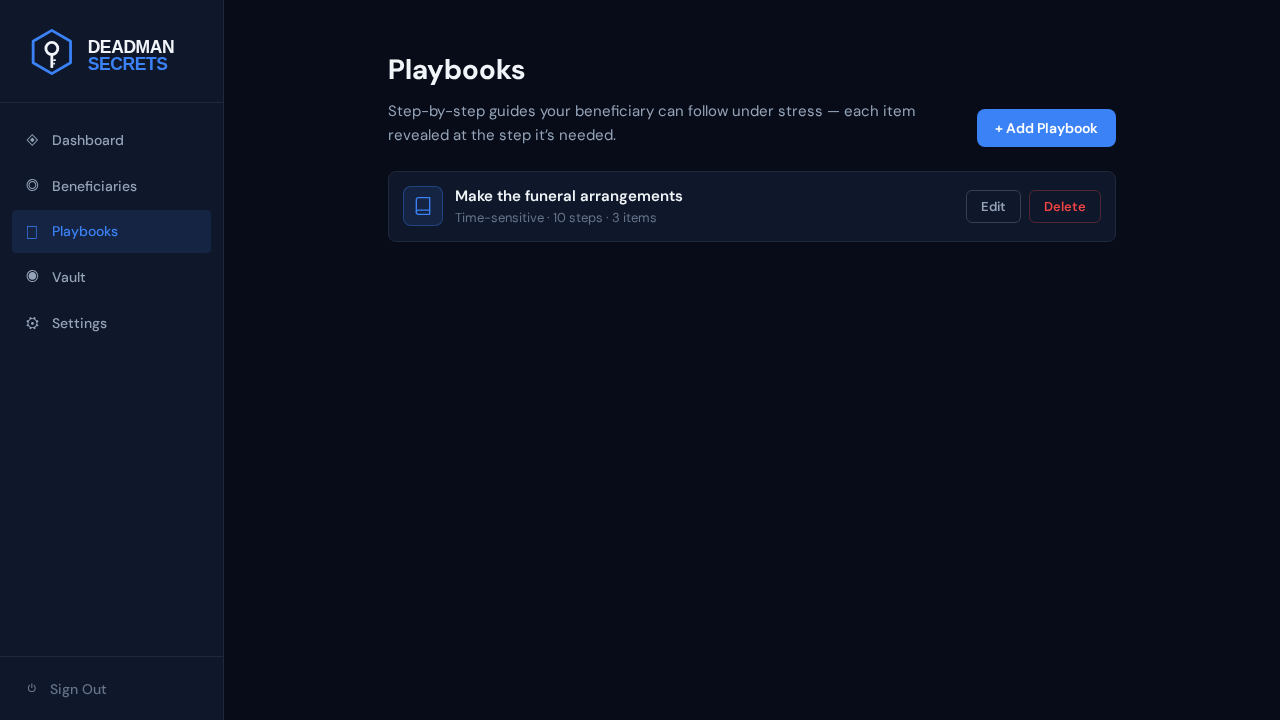
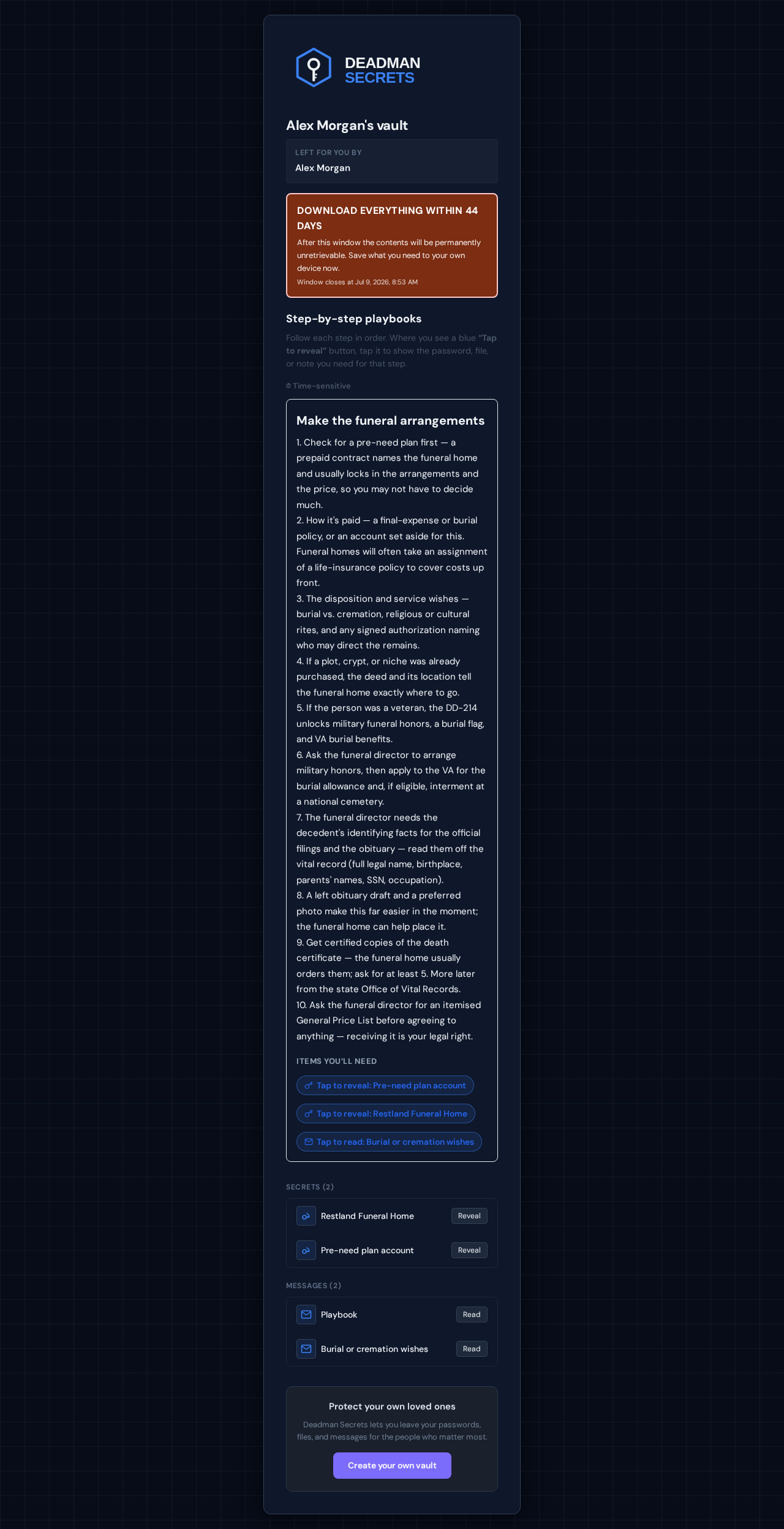
Finally, here's what your family actually receives. When your switch fires they get a secure link, enter the passphrase you gave them, and see this playbook exactly as you wrote it — your steps, and an "Items you'll need" list with each attached item as a tap-to-reveal control. Nothing is decrypted until they need it, and never on our servers.
Ready to set up your own?
Everything in this guide takes a few minutes in Deadman Secrets. Your secrets are encrypted on your device and delivered only when your switch fires.
Start for Free